
Download Timetable – school timetable, college schedule, university planner, student planner, class schedule, homework tracker, exam planner, time management tool, study planner, daily planner
Overview
Timetable is a desktop and mobile application designed to help students manage their academic schedules efficiently. The software serves as a digital alternative to physical planners, offering a structured way to organize class schedules, assignments, exams, and holidays. It is particularly suited for students at the secondary, college, and university levels who need to track multiple time commitments across different subjects and locations. The application allows users to maintain a clear overview of their daily, weekly, and monthly activities, enabling better time management and academic planning.
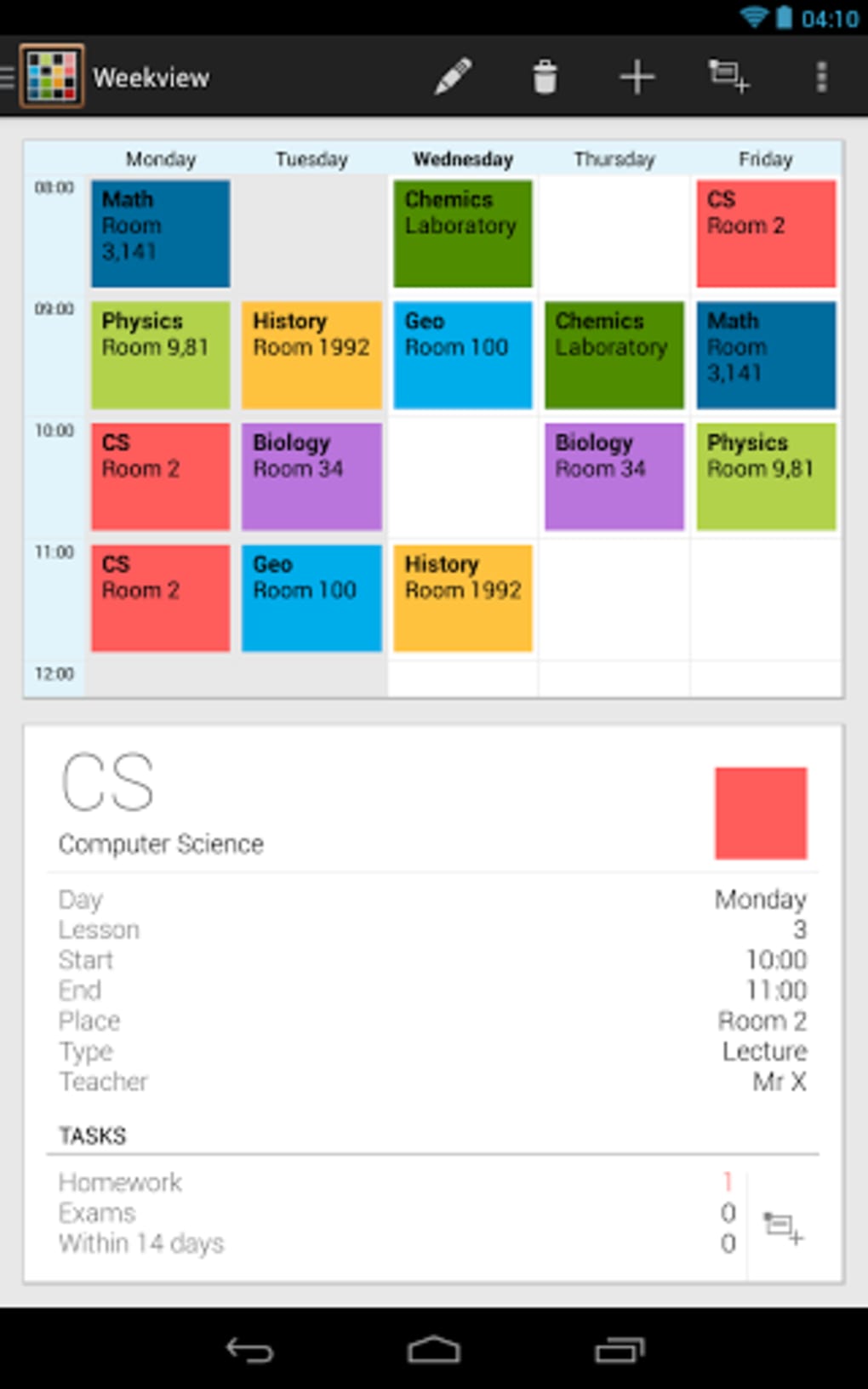
Designed with usability in mind, Timetable provides three distinct views—day, week, and month—each offering a different level of detail. This flexibility allows students to adapt their planning approach based on immediate needs or long-term goals. For instance, a student preparing for midterms can use the monthly view to track upcoming exams, while the daily view helps manage class durations and classroom locations. The app also supports the manual entry of academic tasks, which ensures that users can customize their schedules without relying on pre-configured templates.
Although the developer did not provide additional background on the team behind the app, its functionality suggests a focus on practicality and accessibility. Real-world usage scenarios include students using the app to avoid missed classes, track homework deadlines, and prepare for exams. The app also includes features such as synchronization across devices and an automatic silent mode, enhancing its utility in real-life academic environments. Timetable aims to be a comprehensive, all-in-one solution for students seeking to streamline their academic routines.
Key Features & Capabilities
- Multi-View Schedule Display: Users can switch between day, week, and month views to access their schedule at different levels of detail. This supports both short-term planning (daily tasks) and long-term organization (exam schedules).
- Manual Task Entry: All class schedules, assignments, and exams must be entered manually, giving users full control over their data and allowing for customization to match individual academic needs.
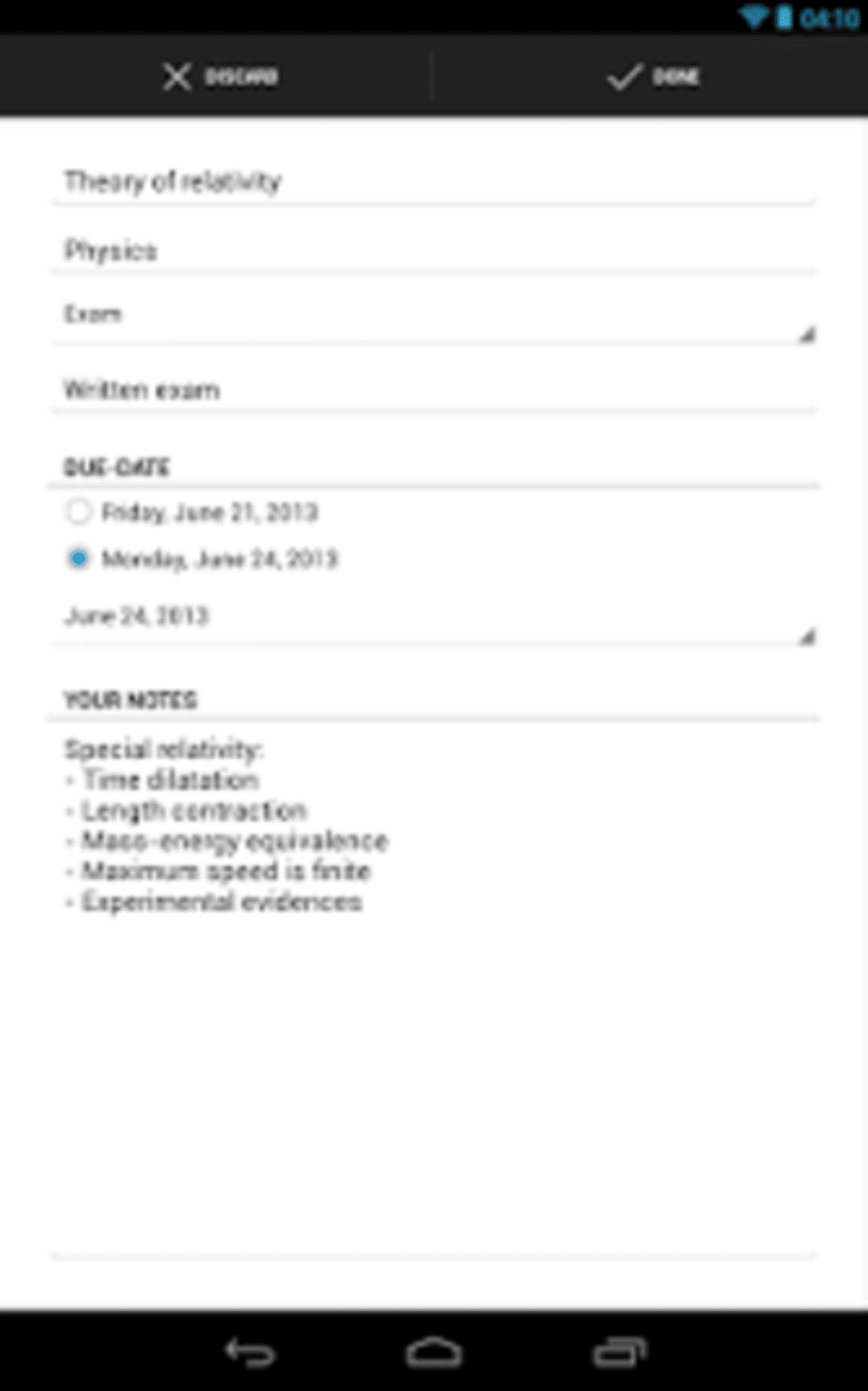
- Homework and Exam Tracking: The app enables students to record assignments, practice sessions, and exam dates, helping them stay on top of deadlines and prepare effectively.
- Device Synchronization: Timetable supports syncing schedules across multiple devices, ensuring that users always have access to the most up-to-date information, regardless of the device they are using.
- Automatic Silent Mode: A built-in feature that activates silent mode on the user’s phone when school starts, minimizing distractions during class hours.
- Customizable Design: Users can personalize the app’s appearance with adjustable colors and multiple themes, allowing for a more engaging and individualized experience.
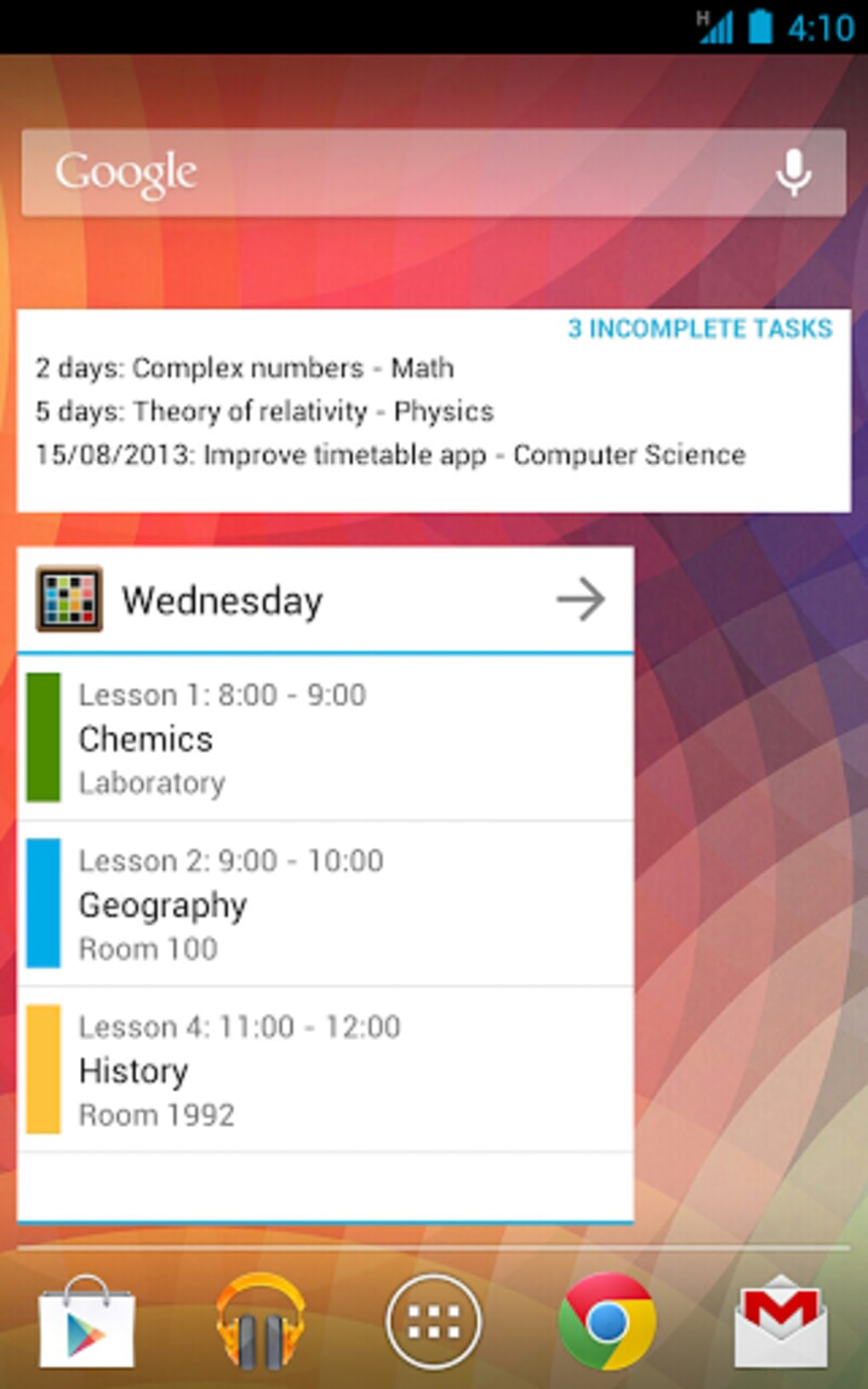
- On-Screen Widgets: Timetable includes widgets that can be added to the home screen, providing instant access to daily agendas and upcoming events.
These features are particularly useful in academic settings where time management is critical. For example, a university student managing a heavy course load can use the monthly view to monitor exam dates while relying on the daily view to track class times and locations. The manual entry system ensures accuracy and relevance, though it requires initial setup effort. The synchronization feature is ideal for students who use both a smartphone and tablet, ensuring consistency across platforms. The silent mode function supports focused learning by reducing interruptions during class time.
User Interface, Workflow & Performance
Timetable features a clean and intuitive user interface designed for ease of navigation. The layout is structured around the three primary views—day, week, and month—each accessible through a simple menu or swipe gesture. The interface emphasizes clarity, with clearly labeled sections for class times, subjects, locations, and task types. This visual organization helps users quickly identify their schedule without confusion.
Workflow efficiency is enhanced by the app’s straightforward entry process. Users can add classes, assignments, and exams with minimal steps, although the lack of automated import from school portals means all data must be input manually. This may require time investment upfront but ensures that the schedule reflects the user’s exact academic commitments. The app’s performance is expected to be stable on supported devices, though specific resource usage details were not provided.
Stability and responsiveness are critical for a tool used during academic routines. While exact performance metrics were not specified, the app’s lightweight design—15.3 MB in size—suggests efficient resource utilization. The developer did not specify CPU or RAM behavior, but such a compact size typically indicates low system impact. Users can expect smooth transitions between views and reliable operation during regular use. The app’s design prioritizes practicality over complexity, making it accessible even to users with limited technical experience.
Compatibility & System Requirements
Timetable is available for both Android and iOS devices, ensuring broad accessibility across major mobile platforms. The software version is 2.0.1, with a file size of 15.3 MB, indicating a lightweight installation. The developer did not specify exact system requirements, such as minimum RAM, processor speed, or OS version, which limits the ability to assess compatibility with older or low-end devices.
Platform compatibility information is limited, but the app’s availability on both Android and iOS suggests it is designed for smartphones and tablets. The installation size is small, which generally implies compatibility with a wide range of devices, including those with limited storage. However, without detailed hardware specifications, users should verify compatibility based on their device’s current operating system version and available storage.
For users seeking to sync data across multiple devices, the app’s cross-platform support is a key advantage. This allows seamless access to schedules whether using a smartphone, tablet, or other compatible device. The lack of specific system requirements means users may need to test the app on their device to confirm full functionality.
Pros and Cons
Pros
- Free to download and use, making it accessible to all students.
- Three customizable views: day, week, and month for flexible planning.
- Supports synchronization across multiple devices.
- Automatic silent mode enhances focus during class.
- Customizable themes and colors for personalized experience.
- On-screen widgets provide quick access to daily schedules.
- Manual entry ensures full control and accuracy of data.
Cons
- Manual input required for all schedule data; no automated import from school systems.
- Exact system requirements were not listed, which may affect compatibility.
- Limited information on performance under heavy usage or long-term use.
- Relies on user diligence to maintain up-to-date entries.
- No built-in reminders or notifications (implied from feature list).
FAQ Section
Is Timetable available for Windows or Mac?
The application is currently available for Android and iOS devices. There is no official desktop version mentioned in the provided information.
Is Timetable safe to download and use?
Timetable is free to download and does not require any suspicious permissions. The developer did not specify security details, but the app’s lightweight size and availability on official app stores suggest it is safe for general use.
How often are updates released?
The latest version is 2.0.1, released on May 10, 2024. No information was provided about the update frequency or release schedule.
What type of license does Timetable use?
Timetable is offered as a free application with no visible in-app purchases or subscription model. The licensing model is not explicitly defined, but the free access suggests a freemium or ad-supported approach.
Can I use Timetable offline?
While the app supports synchronization across devices, it is designed to function without an internet connection. Users can access and edit their schedules offline, with changes syncing once connectivity is restored.
Final Thoughts
Timetable is a practical, user-friendly tool that effectively replaces traditional paper planners for students at all academic levels. Its clean design, multiple view options, and cross-device synchronization make it a strong choice for anyone looking to organize their academic life. The ability to manually input and track assignments, exams, and class schedules ensures a high degree of customization and accuracy.
While the lack of automated data import and detailed system requirements may be limitations for some users, the app’s simplicity and focus on core functionality make it a reliable companion for daily academic planning. The automatic silent mode and widget support add valuable convenience, especially for students who rely on their phones throughout the day.
For students seeking a free, secure, and easy-to-use time management tool, Timetable offers a compelling solution. Whether managing a tight college schedule or preparing for final exams, this app provides the structure needed to stay organized. Download Timetable now.





.png)

